
Open the patient's file
Notes live on the patient, under Clinical notes — templates down the left, everything ever written about them on the right.
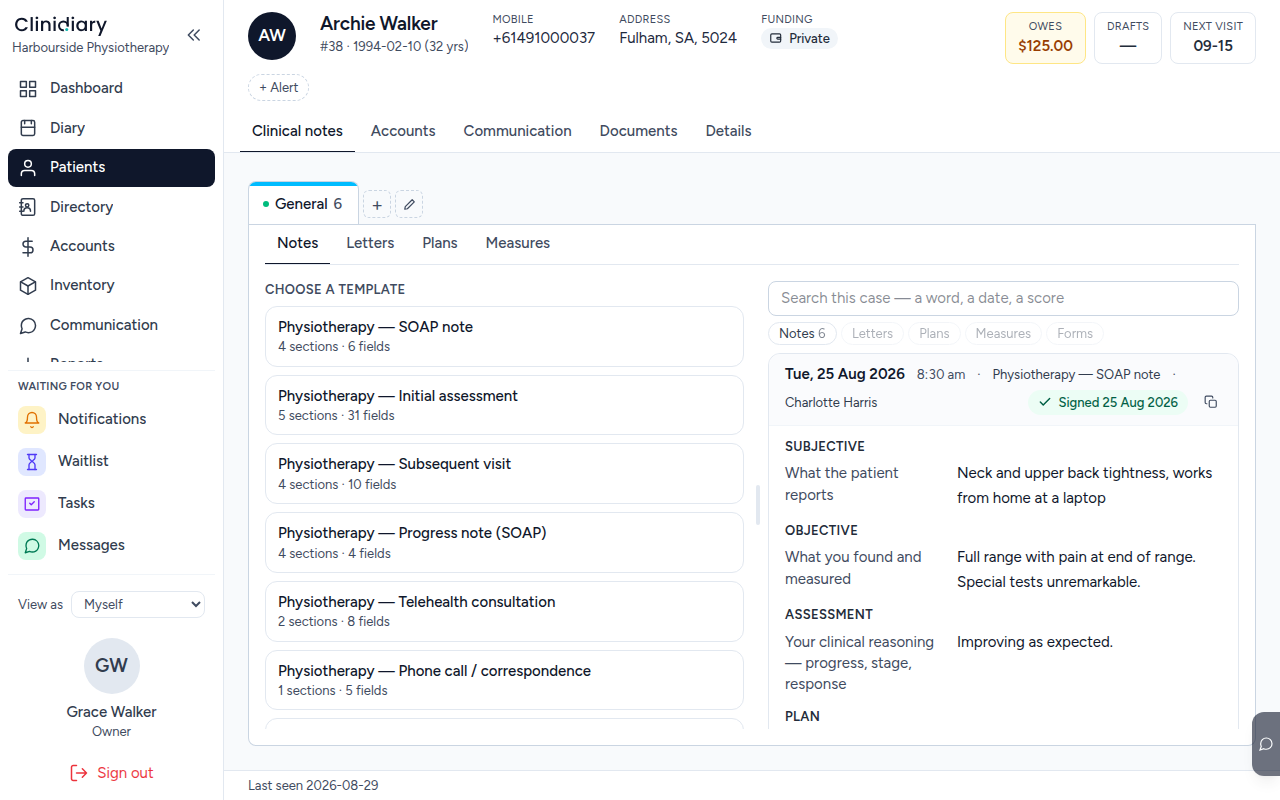
Choose the shape of the visit
A template is not paperwork, it is the questions this kind of visit needs answered. An initial assessment asks thirty-one things; a phone call asks five.
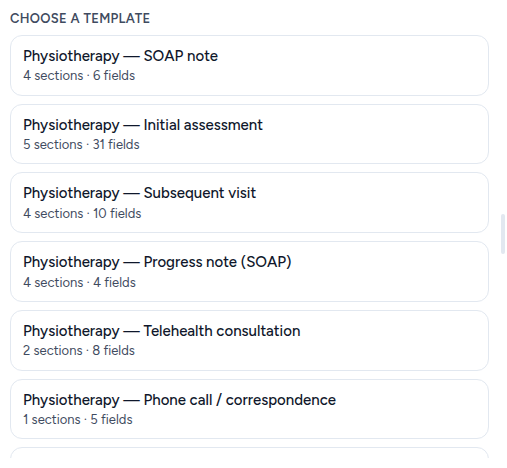
Pick the one that matches what actually happened. A subsequent visit written on an initial assessment template is thirty-one fields of "as before".
Write it
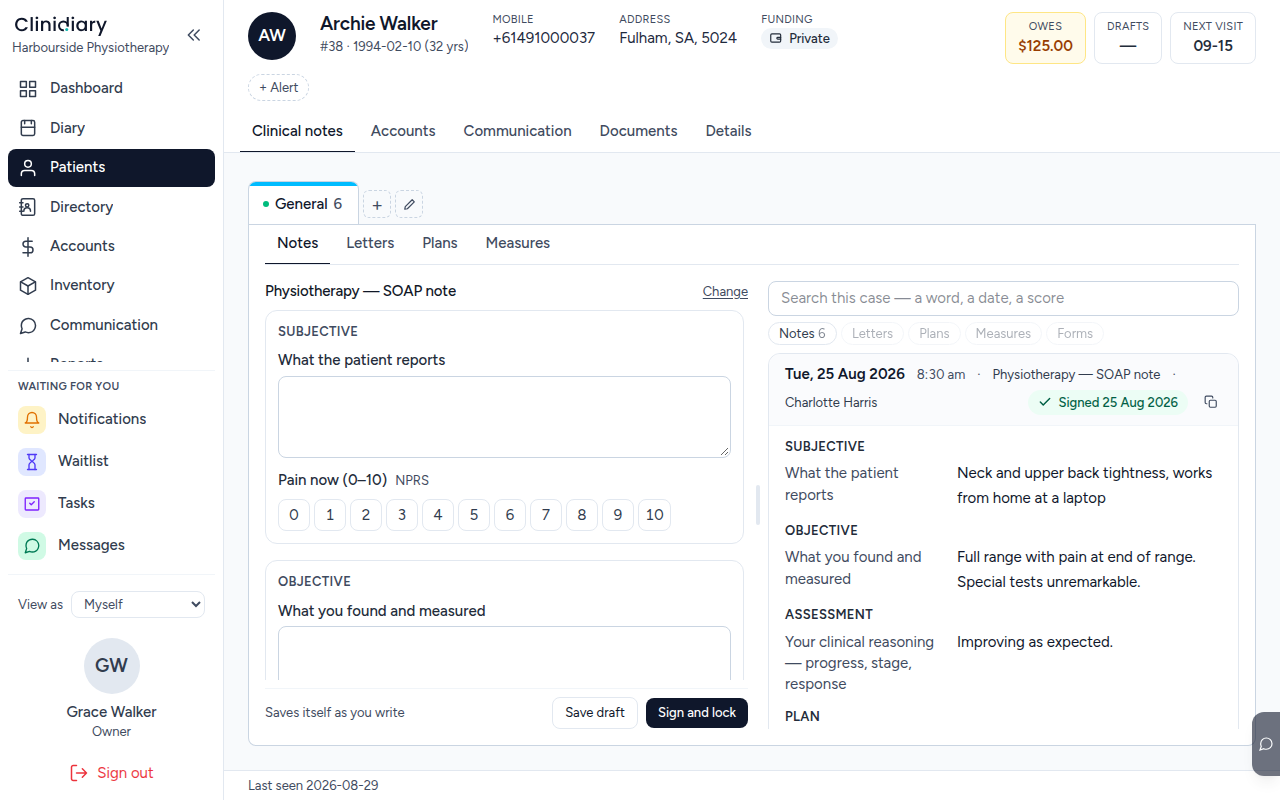
It saves itself. There is no moment where the work is only in the browser: it goes to the server as you pause, and it keeps a copy on the machine you are typing on for the times the connection does not. Close the laptop mid-sentence and it is there when you open it.
That is deliberate, and it is why there is no Save button to forget.
Sign it

Signing locks the note. After that it cannot be edited or deleted — corrections are made by adding an amendment underneath, which leaves both the original and the correction visible.
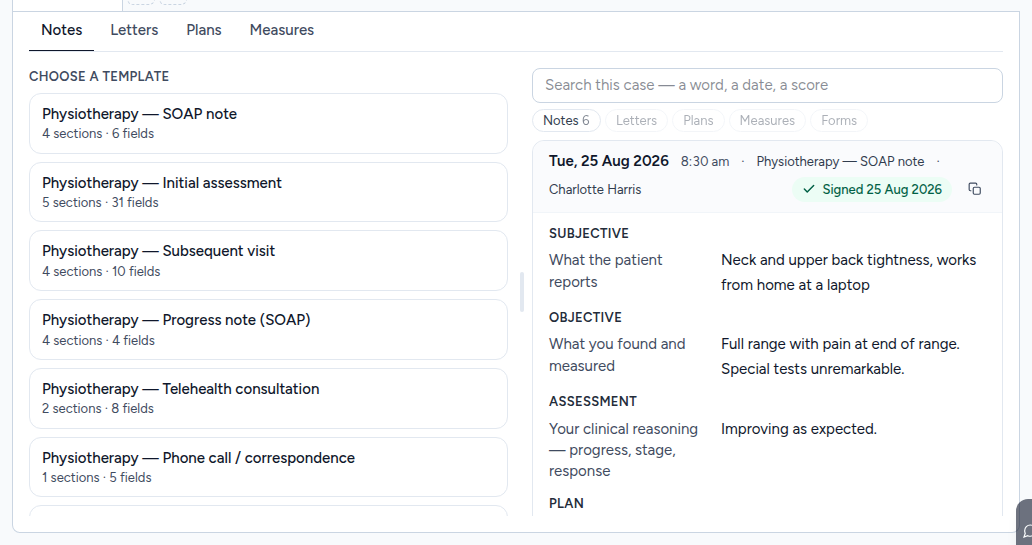
A finished note looks like this: signed, dated, attributed, and with its amendments, if any, attached rather than merged.
Draft or signed
An unsigned note is a draft: it is yours, it is visible to you, and it can still be discarded. A signed one is a clinical record.
Leaving notes in draft is the ordinary way a Friday afternoon gets away from somebody. The diary shows which visits still owe a note, and the practitioner's own dashboard counts them, so the list of what is unwritten is never something you have to remember.
Why it cannot be deleted
Nothing clinical is hard-deleted here, and a signed note is the strongest case: it is often the only record of a consultation that has already happened, and the value of a record nobody can quietly change afterwards is the whole reason to keep one.