
Settings, then Staff
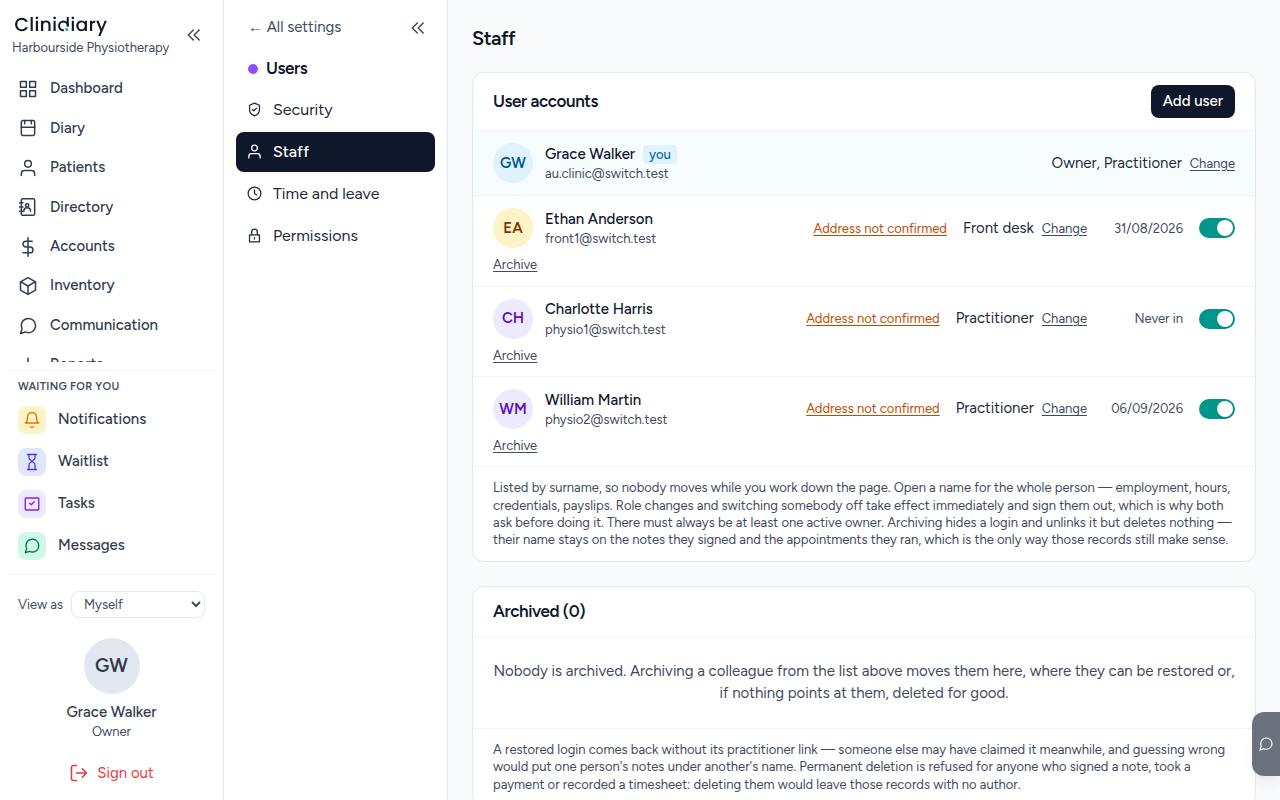
Everybody with a login, what each of them may do, and who has not confirmed their address yet.
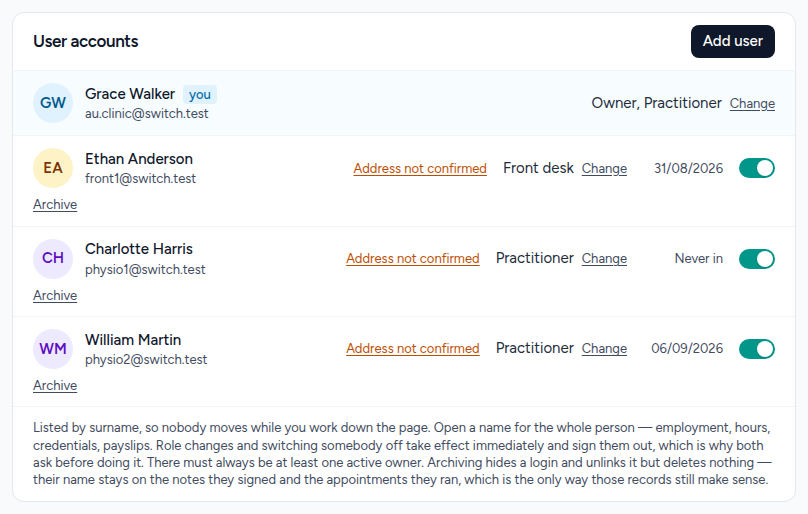
Add user
A name, an address, and what they are allowed to do. Job title and reporting line can be left blank and filled in later — they change nothing about access.
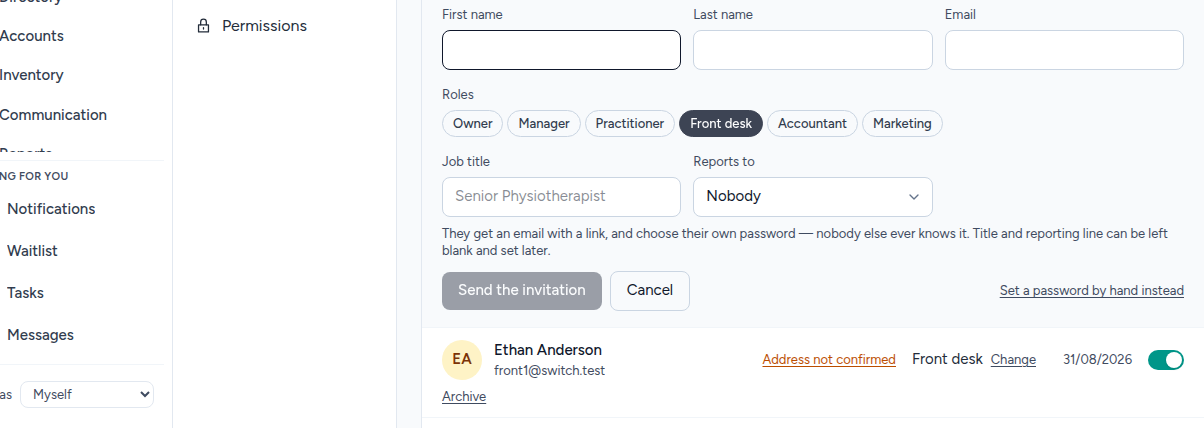
Choose their roles

Roles stack, so somebody can be a Practitioner and a Manager. Pick the smallest set that lets them do their job:
- Owner — everything, including money and other people's permissions.
- Manager — the practice, without full ownership.
- Practitioner — a diary, and the clinical record of the patients they see.
- Front desk — bookings, arrivals, payments at the counter.
- Accountant — the money, without the clinical record.
- Marketing — campaigns and reporting, no patient files.
Two deserve a pause. Owner, because it can change anybody else's access including yours. And Accountant, because it is the one handed casually to a bookkeeper who has no need to know who the patients are.
Send the invitation

They get an email with a link and choose their own password. Nobody else ever knows it, including you — which is the point, because a password somebody else typed is a password two people know.
If they genuinely cannot receive the email there is a set-it-by-hand path, but it is the exception, and worth knowing you are making one.
When somebody leaves
Archive them, do not delete them. Archiving takes the login away immediately and leaves the notes they signed and the appointments they ran exactly where they are, which is the only way those records stay true.
A practice that deletes departed staff ends up with clinical notes signed by nobody, and there is no repairing that afterwards.