
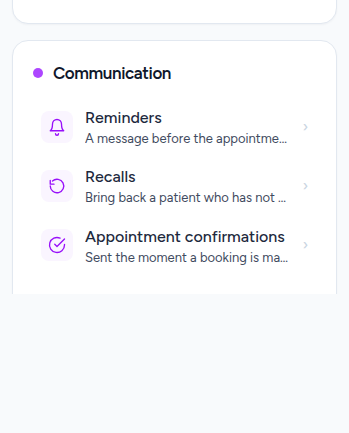
Settings, under Communication
Three separate things live here and they are deliberately not one switch: Reminders go before an appointment, Recalls chase somebody who has not been in for a while, and Appointment confirmations go the moment a booking is made.
Read the sentence before anything else
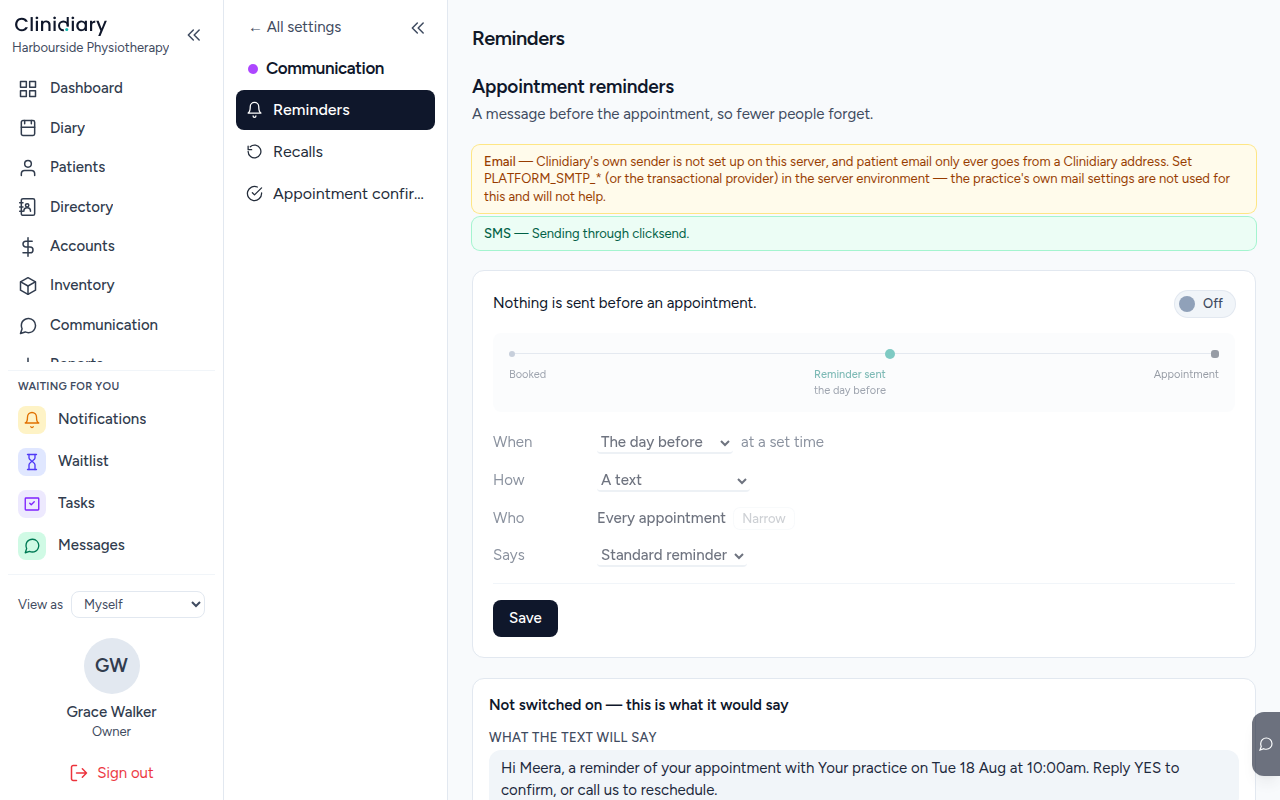
The line at the top is the entire policy in words.

If it does not describe what you want to happen, nothing below it will either — and after a change it is the quickest way to check you got what you meant rather than what you clicked.
Four decisions
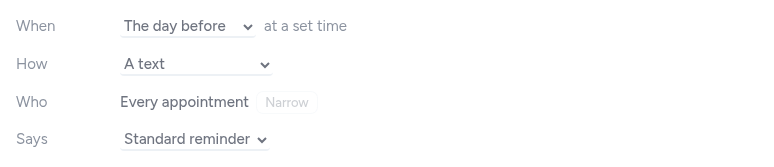
- When — how far ahead, and optionally a set time. Without a time, each reminder goes exactly that far before its own appointment, so a 7am patient is texted at 7am the day before. With one, everybody due that day is told together at a civil hour.
- How — text, email, or both. A text costs money and arrives; an email is free and may not be read.
- Who — every appointment by default. Narrow it if a five-minute dressing change does not warrant a text, which is the usual reason a practice ends up turning reminders off altogether.
- Says — which wording goes out. It is patient-facing, so read it in full at least once.
What will not happen
Quiet hours are not negotiable: nothing sends between 8pm and 8am whatever the settings say. A text at 3am is the kind of thing a practice hears about for a week.
Nobody is reminded twice about the same appointment. That is not carefulness in the code — it is a constraint in the database, so a second attempt fails at the bottom whatever anything above it believes. A duplicate reads to the patient as a mistake by the clinic, and is charged for twice.
Before you switch it on
Send one to yourself. Put your own mobile on a test patient, book them, and look at what arrives — the wording, the sender, and the hour it lands are all obvious in a real message and easy to misread in a settings screen.